What it does
Share with family and friends
Create a space and send an invite link — everyone in it can see and edit the same plans.
Keep every plan in one place
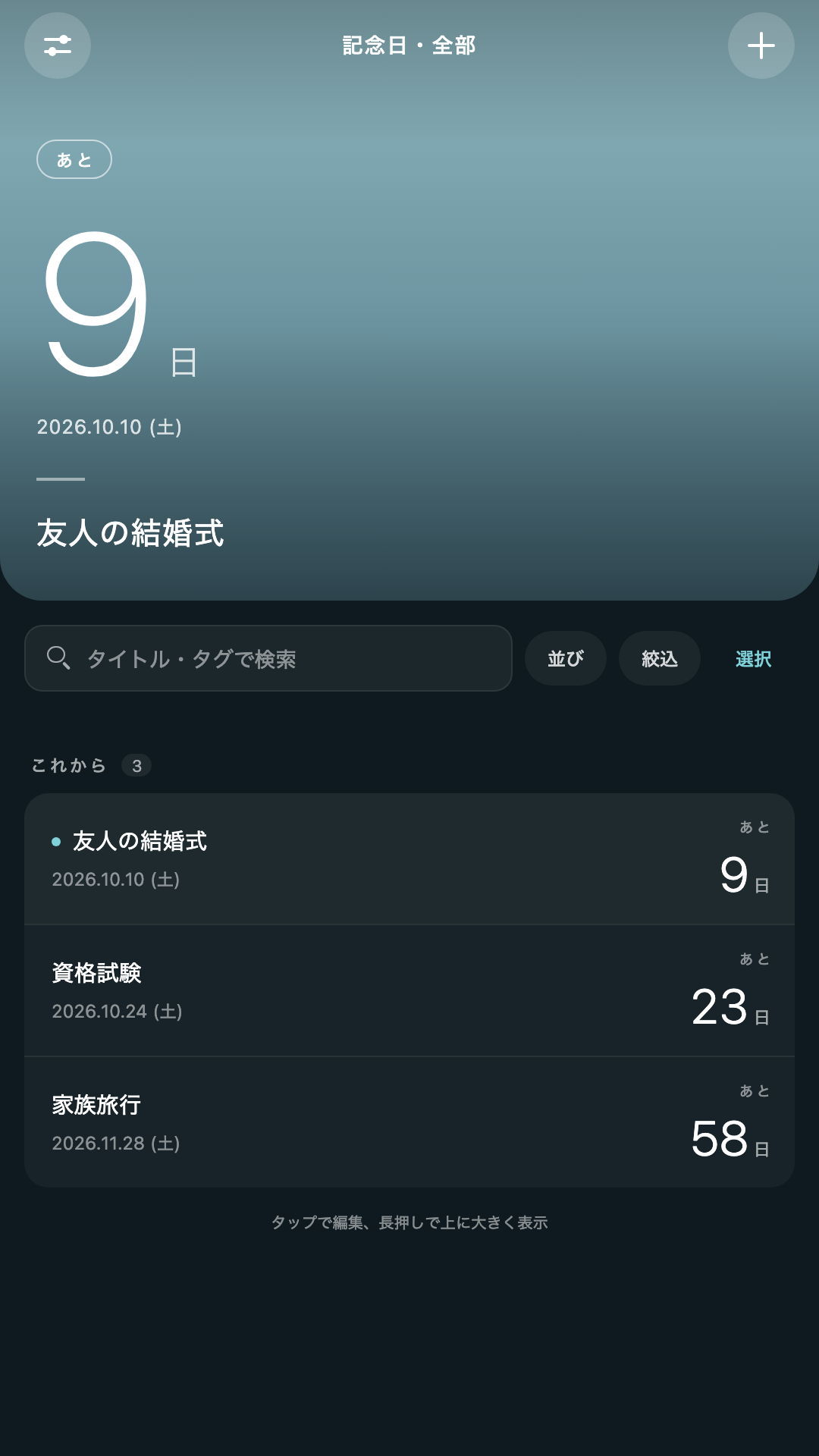
Plans sort by how soon they're due; press and hold one to pin it front and center. Filter and sort by tag, too.
Track progress with checklists
Break a plan into small tasks and watch the completion rate climb. Changes save instantly.
Counts up as well as down
A future date counts down the days left; a past date counts up the days since.
Handles recurring plans
Weekly, monthly, or yearly plans roll over to the next occurrence automatically once the date passes.
Down to the second
Set a start time, and the countdown switches to seconds as the moment approaches.
Add a photo
Attach one photo to any plan, or let the app suggest one based on its title.
Home screen widget
See the days remaining without opening the app — it updates on its own as the date changes.
Import from your calendar
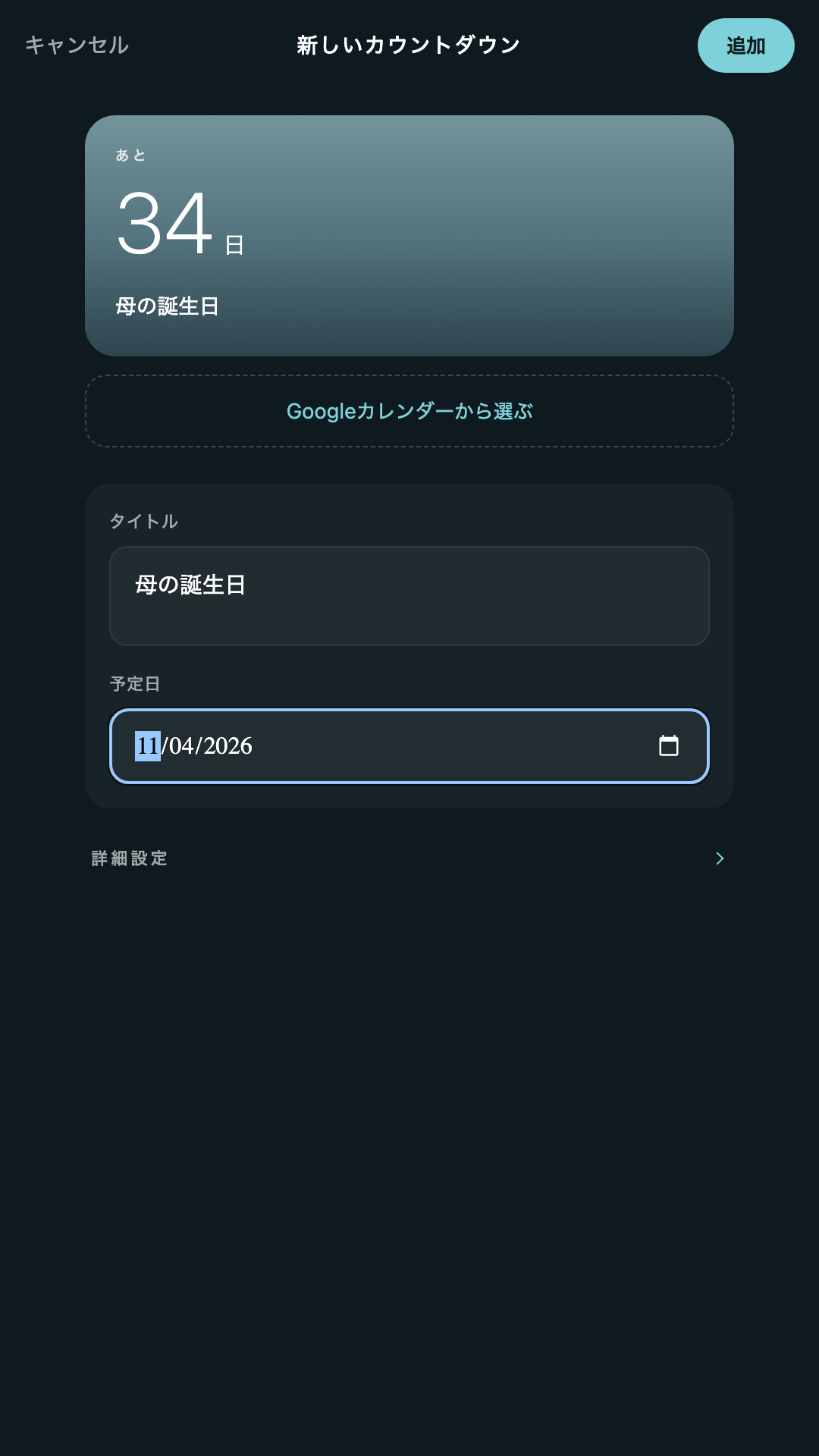
Pick an event from Google Calendar and its title and date fill in automatically.
Notified on LINE, too
Link your account and the one reminder closest to the deadline is also delivered through the LINE Official Account.
Same data on every device
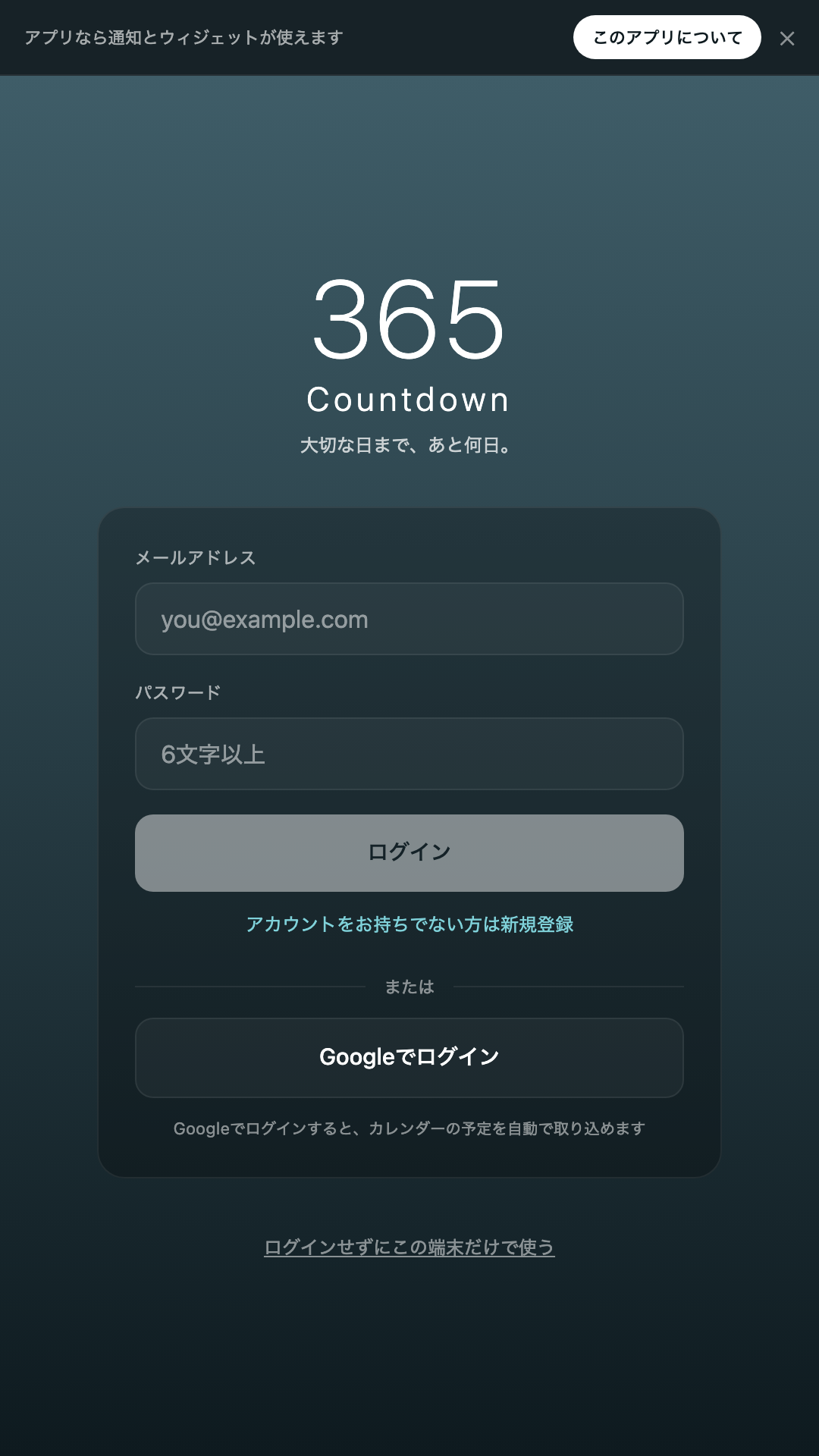
Create an account and see the same plans on your phone and your computer.
日本語 / English / 中文 / Español
Matches your device's language automatically, or switch it manually in settings.
No ads
No ads, ever. No location or contacts access, and no analytics tools installed.
Screens
Shared spaces
Create a space and send an invite link to share plans with family and friends. Depending on the role you give them, people you invite can just view plans, or add and edit them too. Sharing is always limited to plans you choose to add yourself — if you do nothing, every plan stays visible to only you, just as before. See the privacy policy for details.
How Google Calendar data is used
Only if you sign in with a Google account and explicitly allow it,
the app reads the following with read-only access.
To keep access as narrow as possible, it requests scopes limited to
each specific purpose rather than access to your whole calendar
(calendar.calendarlist.readonly and
calendar.events.readonly).
- The names of your available calendars
- The titles and start dates of events in a calendar you select
This data is read only when you open the event list inside the app. Only the title and date of an event you explicitly choose are ever saved as a countdown.
The app never writes to, modifies, or deletes anything in your calendar. The information it reads is never used for advertising and never shared with any third party. You can revoke access at any time from your Google Account settings.
Try it
Use it right in your browser. No account required — you can use it on this device alone.